Overview
Key Features
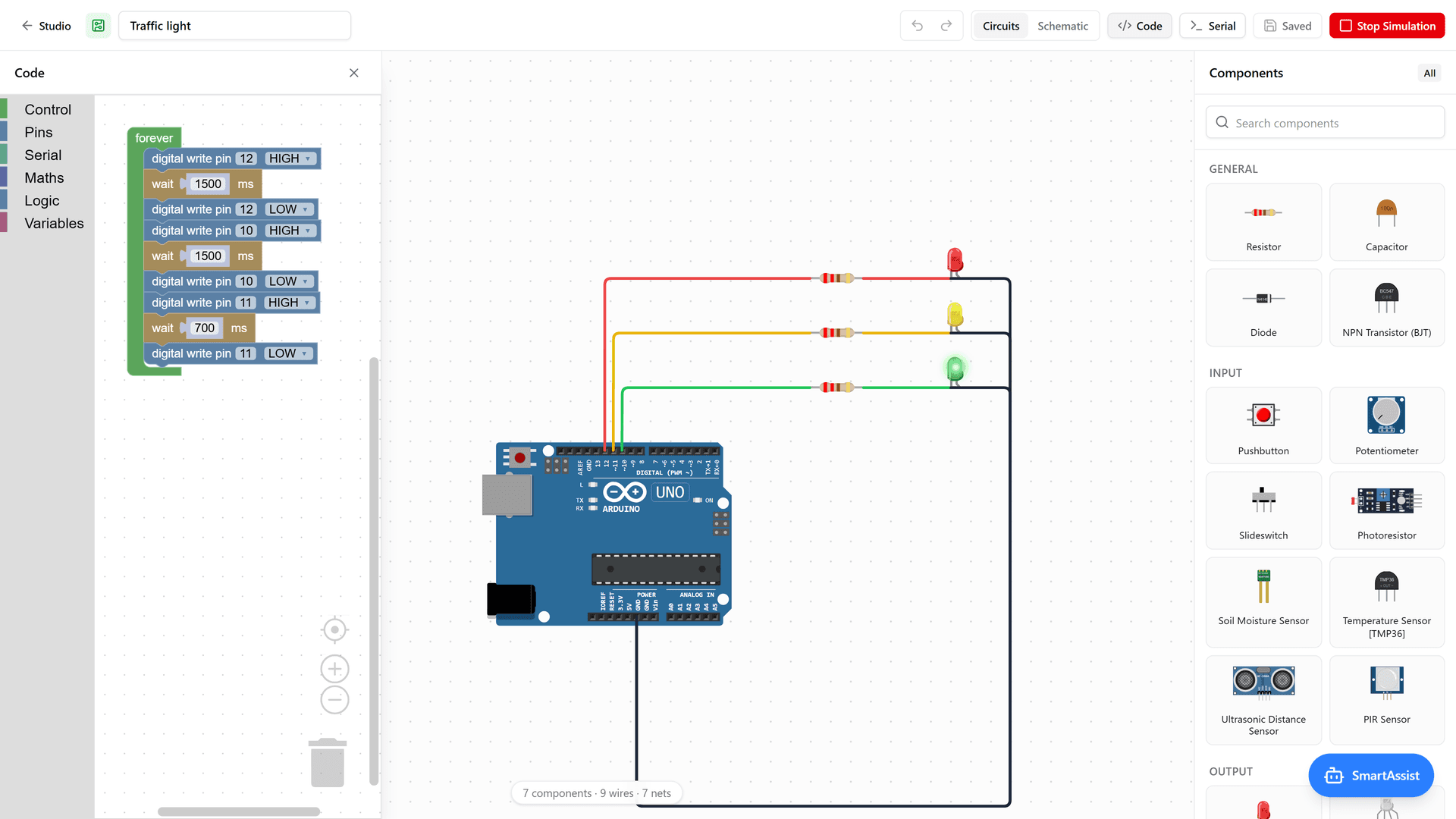
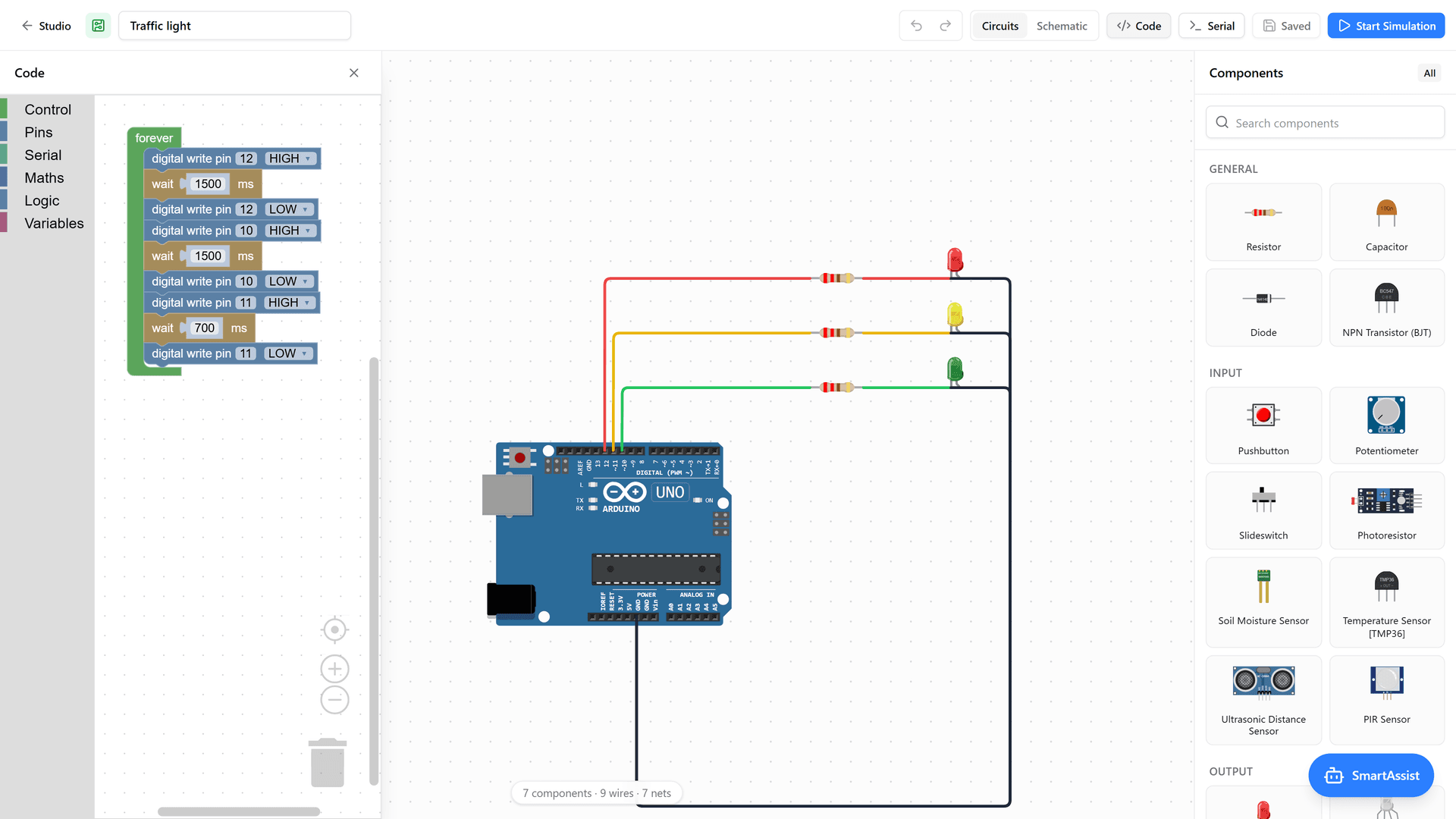
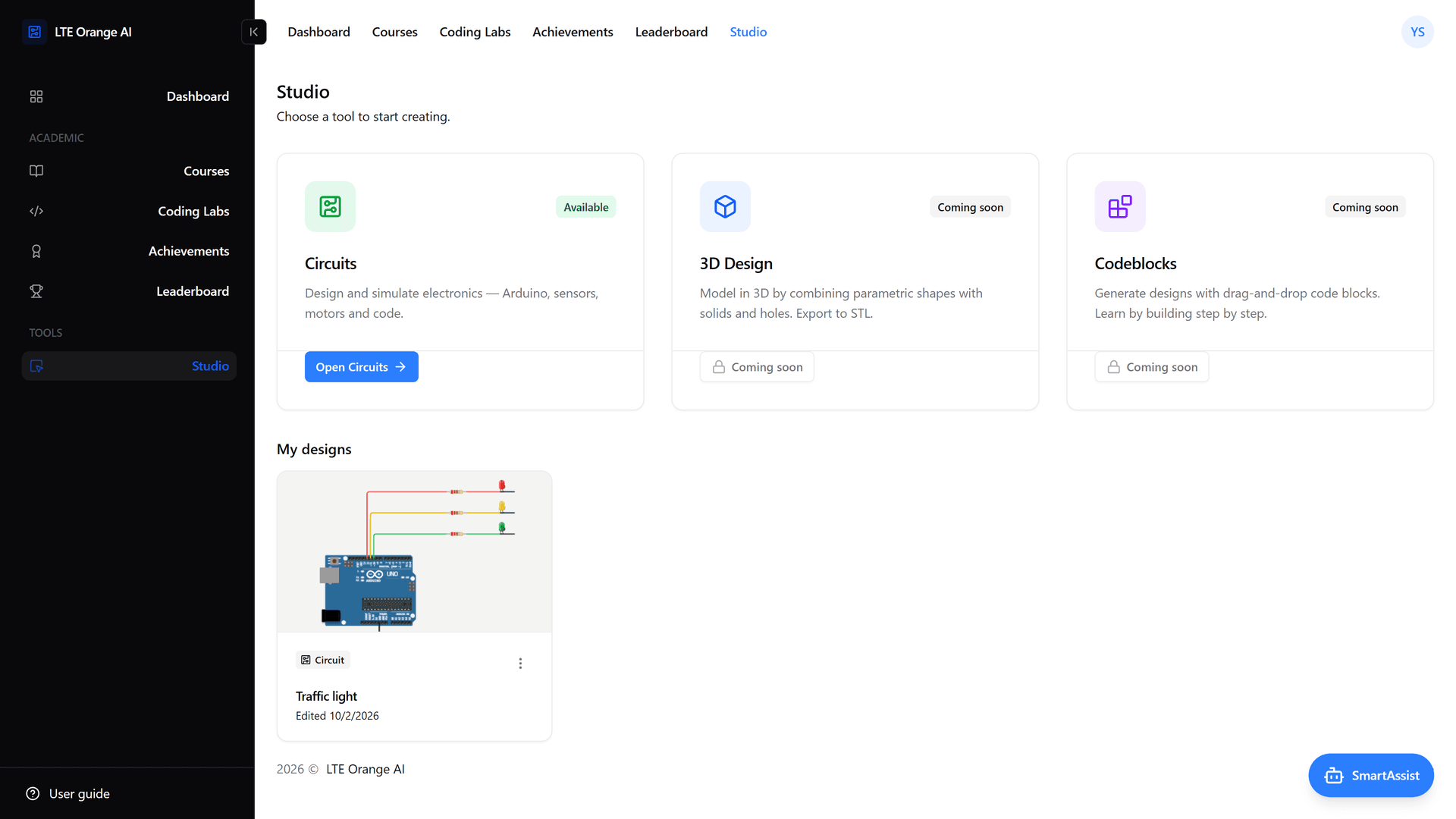
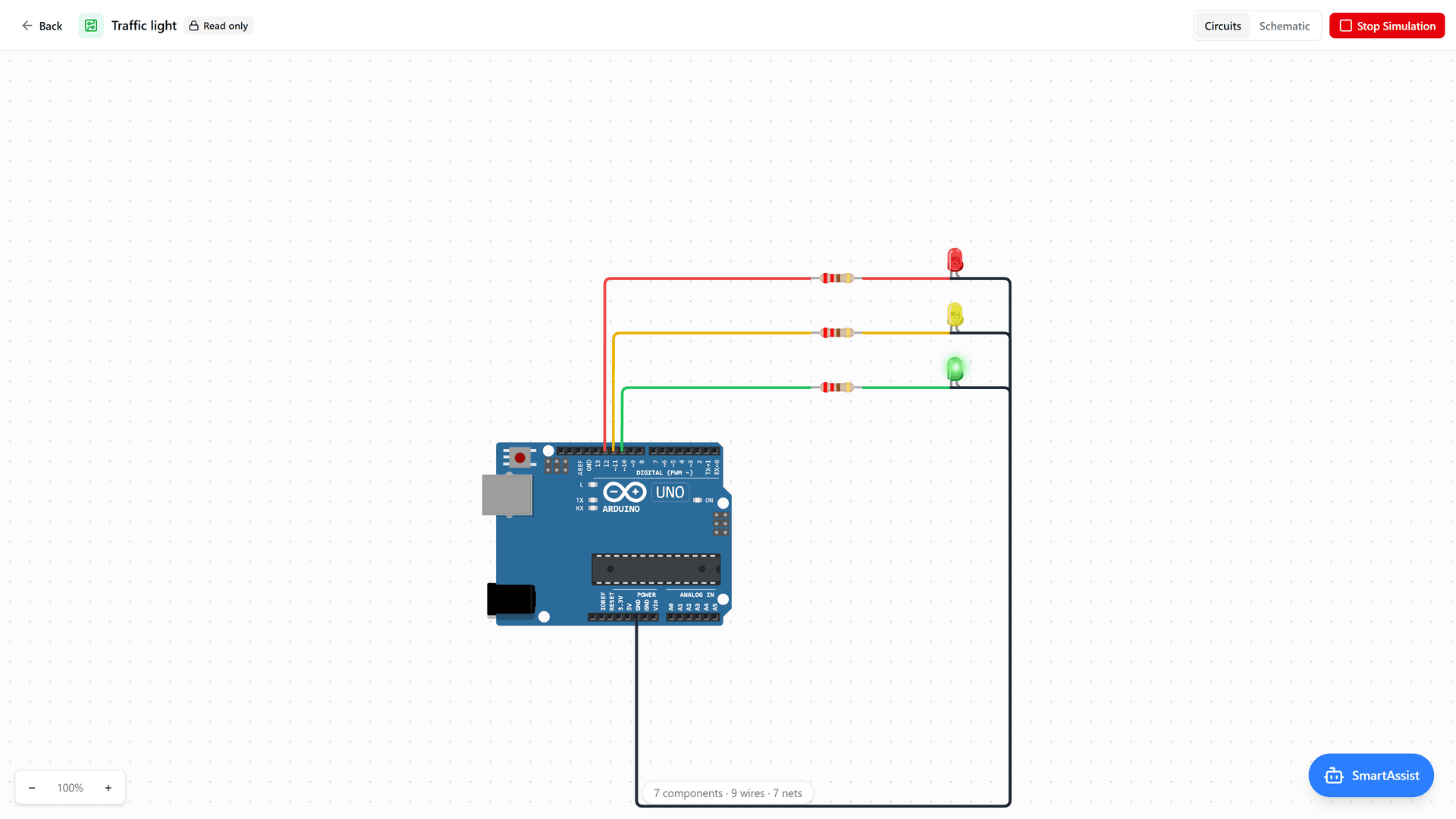
- Circuits lab: A pan-and-zoom canvas of live components, including Arduino Uno and Nano, ESP32, LEDs, sensors, motors and displays. Students wire them by clicking pin to pin, and a union-find netlist and a digital simulation engine run the result. Each board is programmed with Blockly blocks, with a schematic view and a serial monitor alongside.
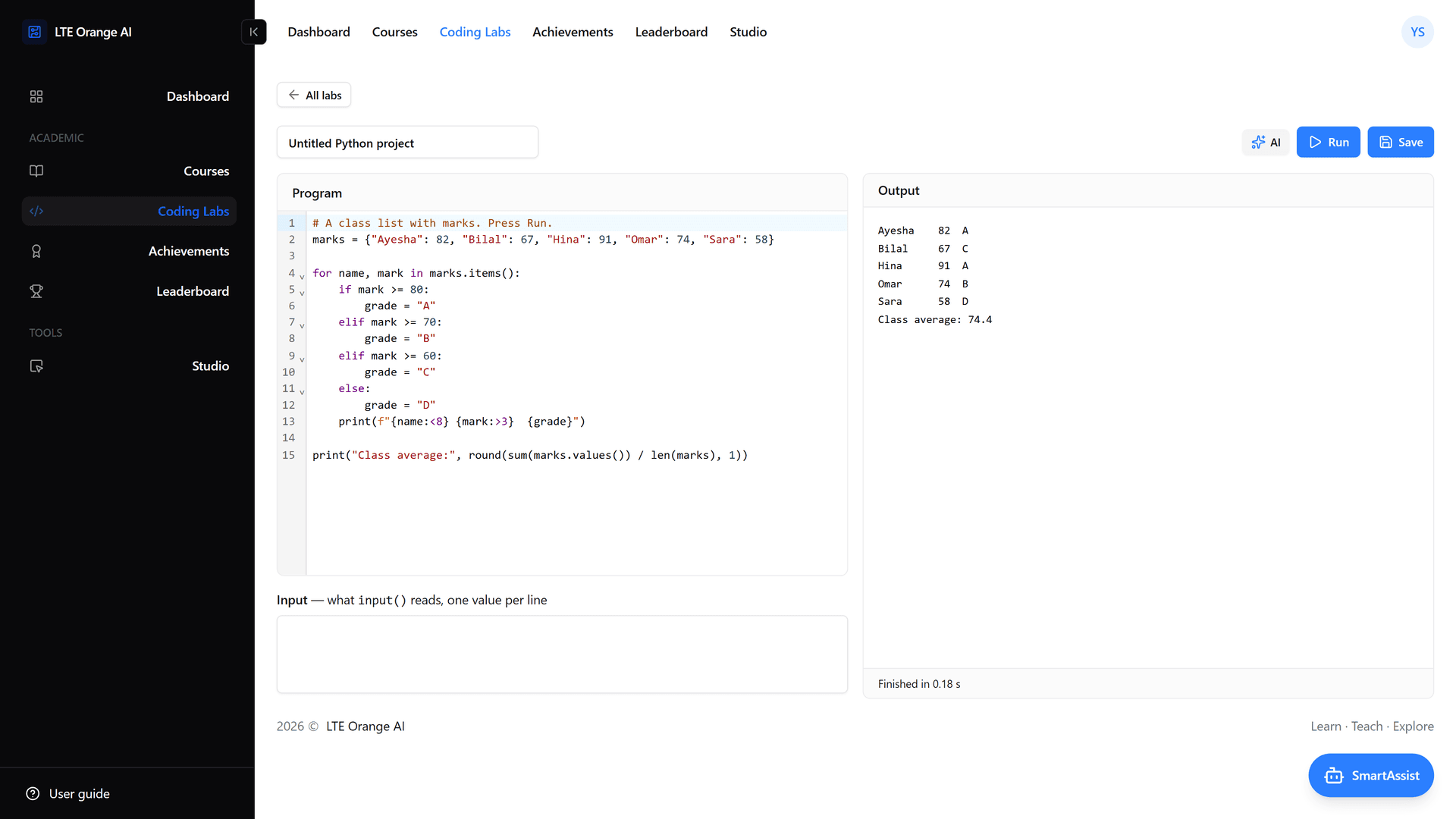
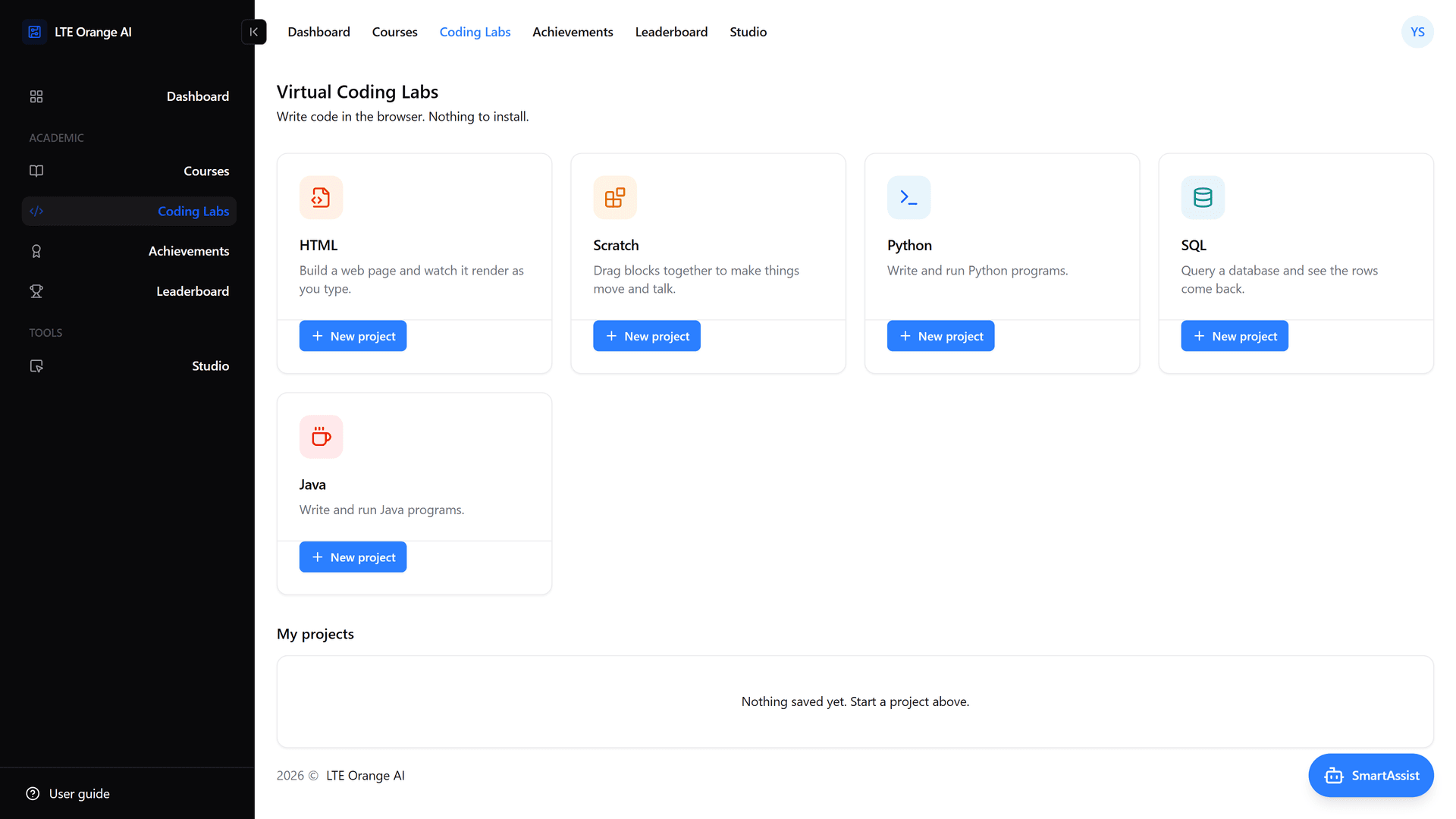
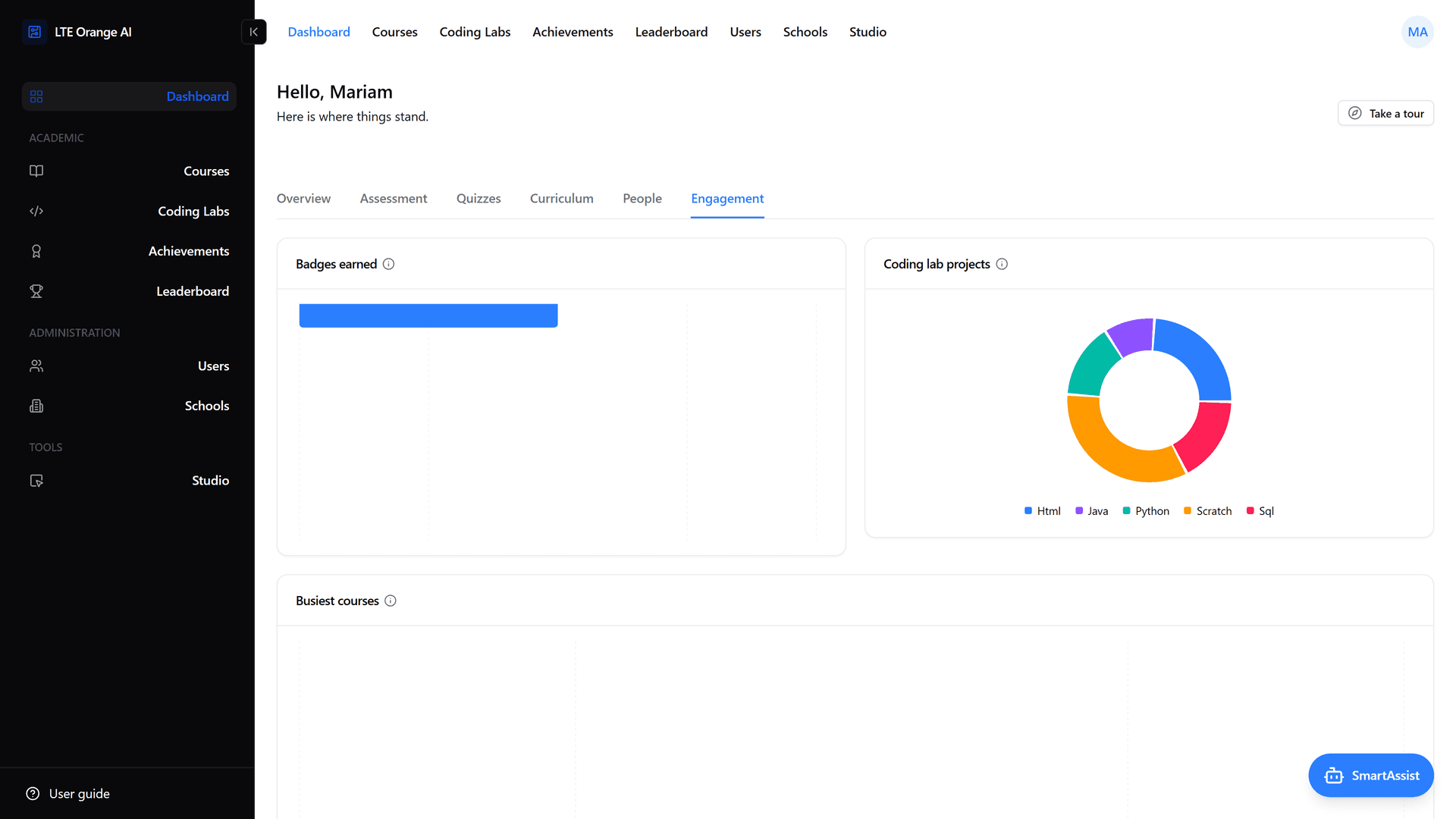
- Five coding labs: HTML with live rendering, Scratch, Python and SQL running in the browser through WebAssembly (Pyodide and SQLite), and Java on a sandboxed server-side runner. Scratch is served from a separate origin so it can never reach the user's session.
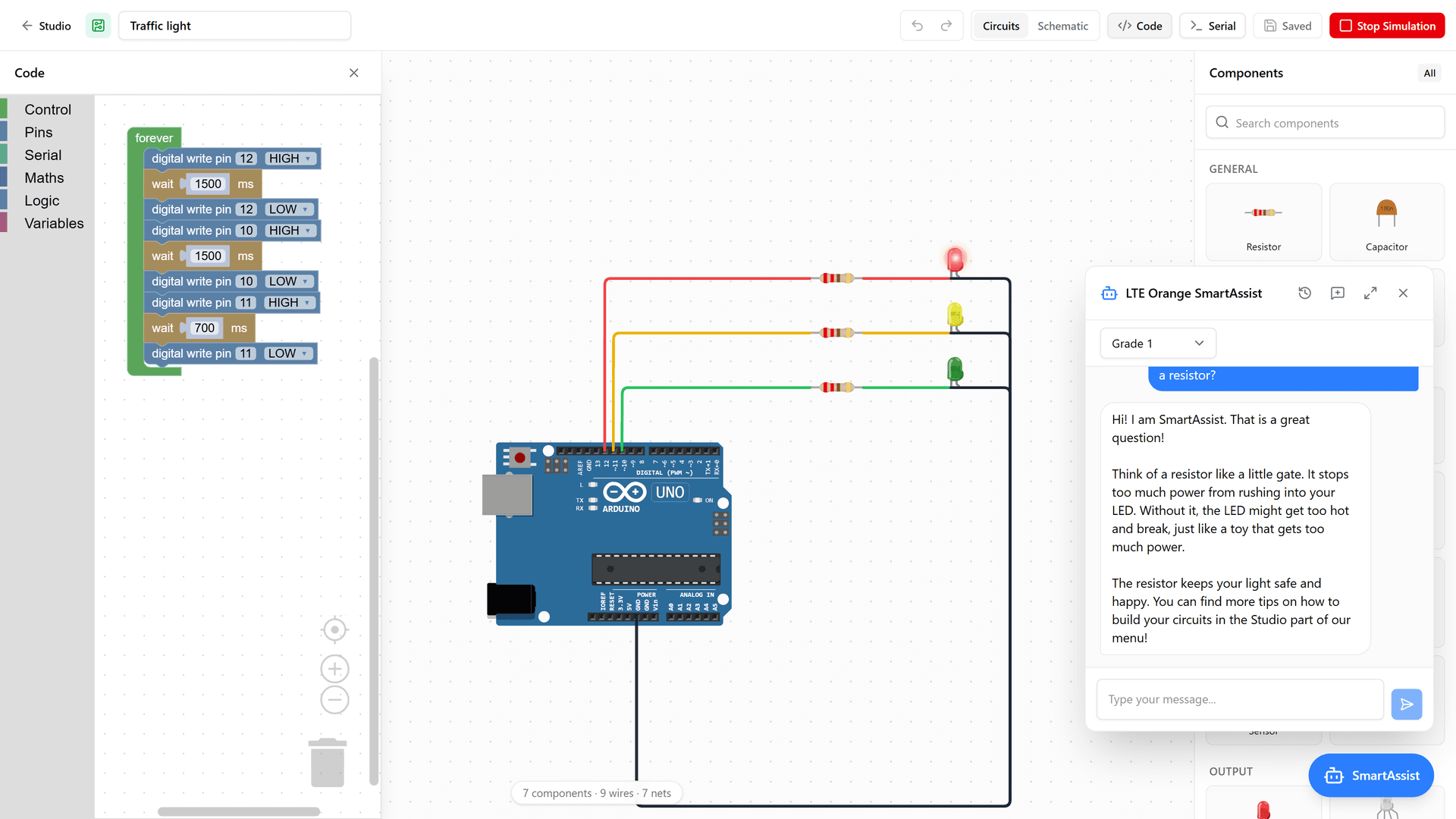
- SmartAssist AI tutor: Answers pitched at the student's grade level, a click away on every screen, including the circuit editor. Every conversation is stored so the school can see what was said, and each user has a monthly token budget. The coding labs also offer AI code suggestions.
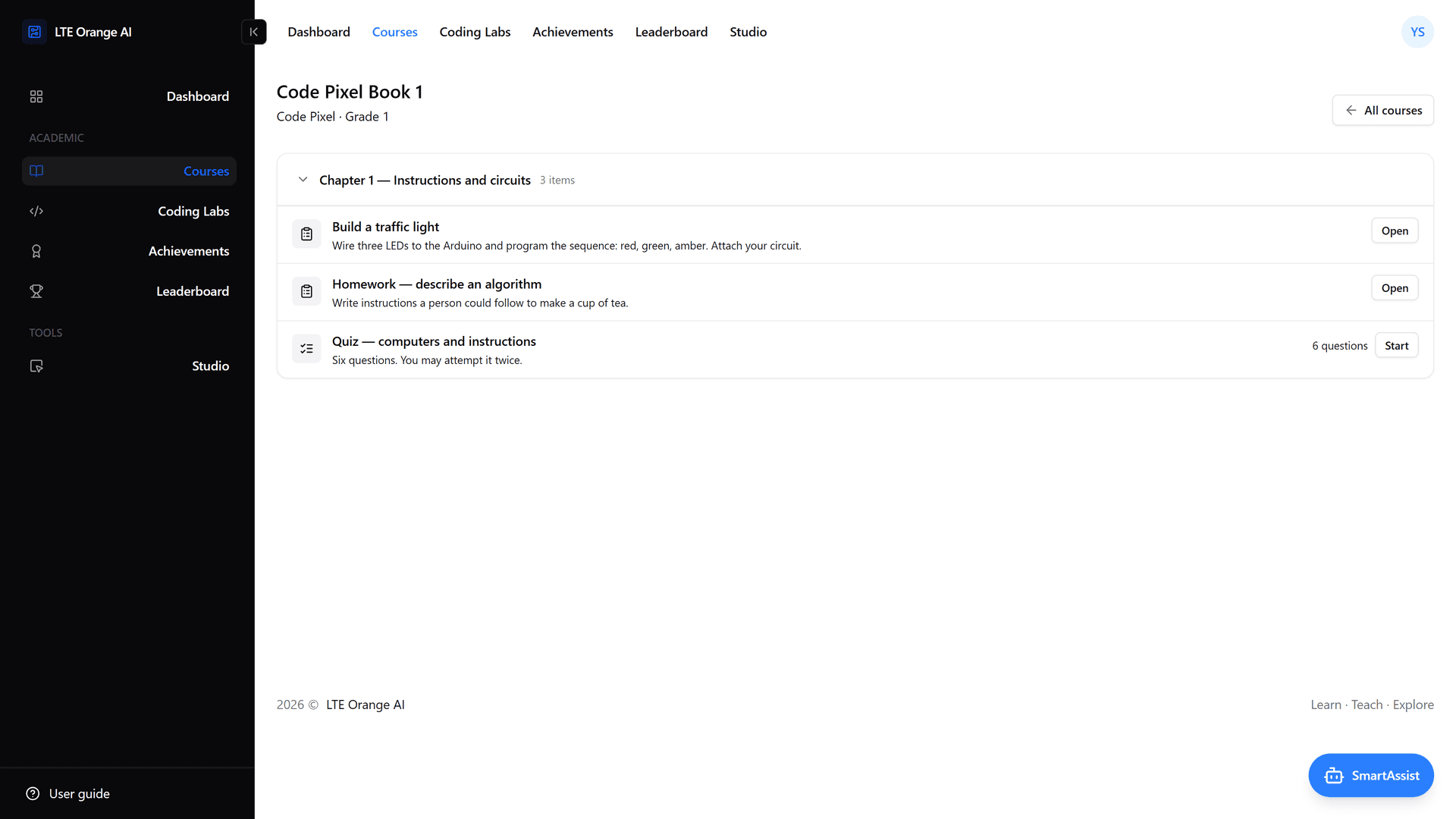
- Courses and curriculum: Series, courses and chapters made of files, flipbooks, assignments and quizzes. Answer keys and lesson plans are marked teachers-only, and chapters and items can be hidden from students until they are ready.
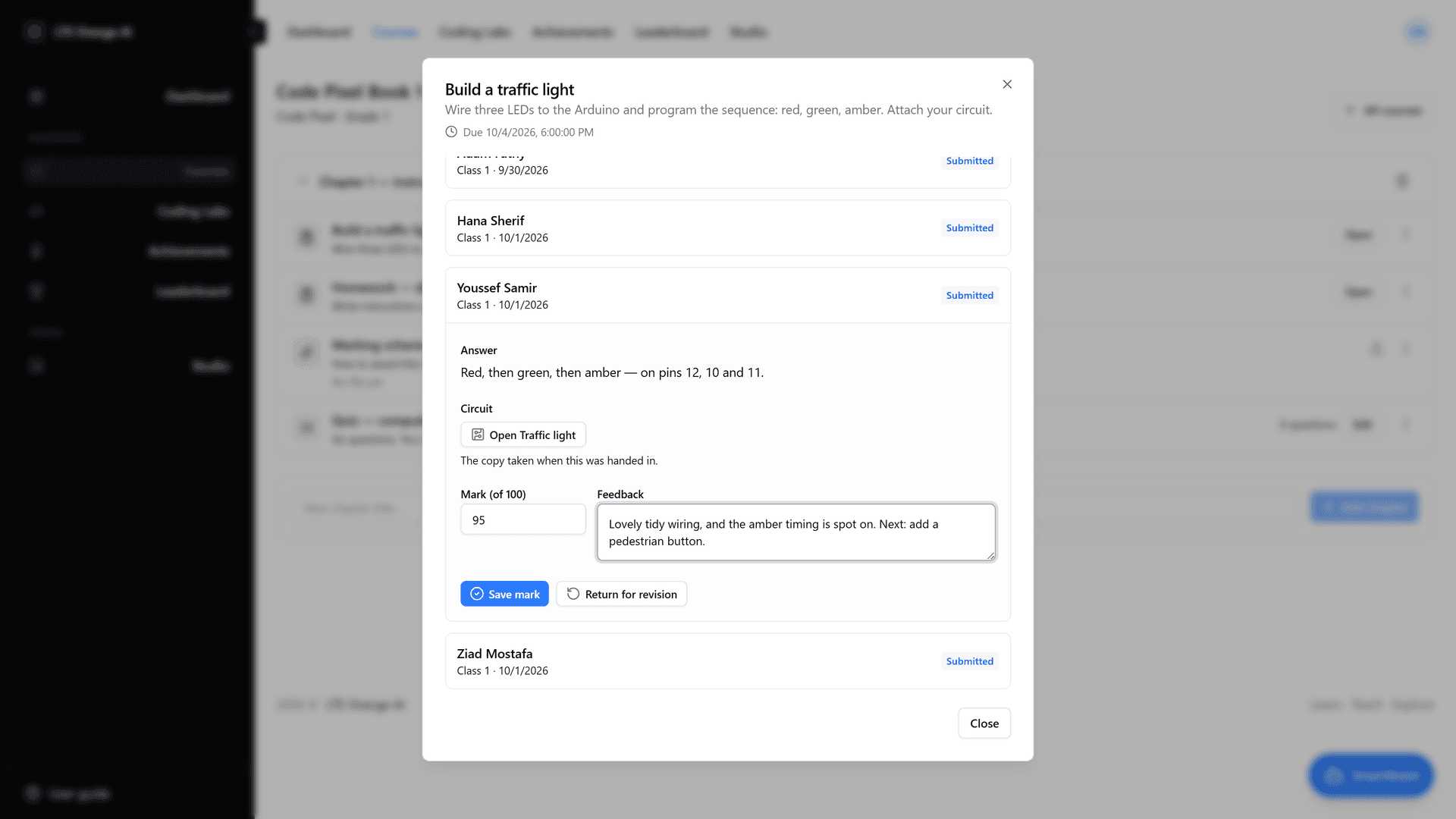
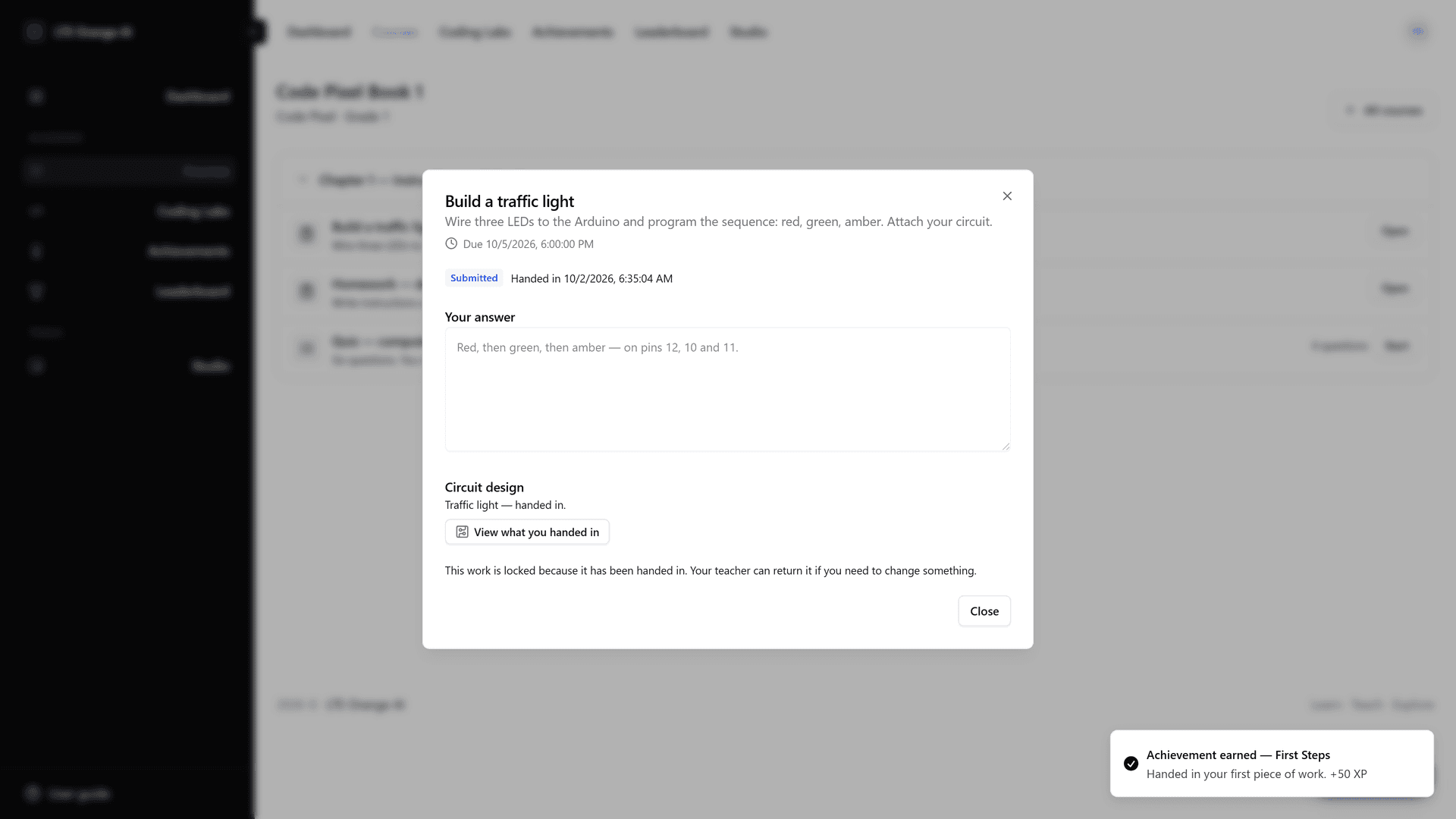
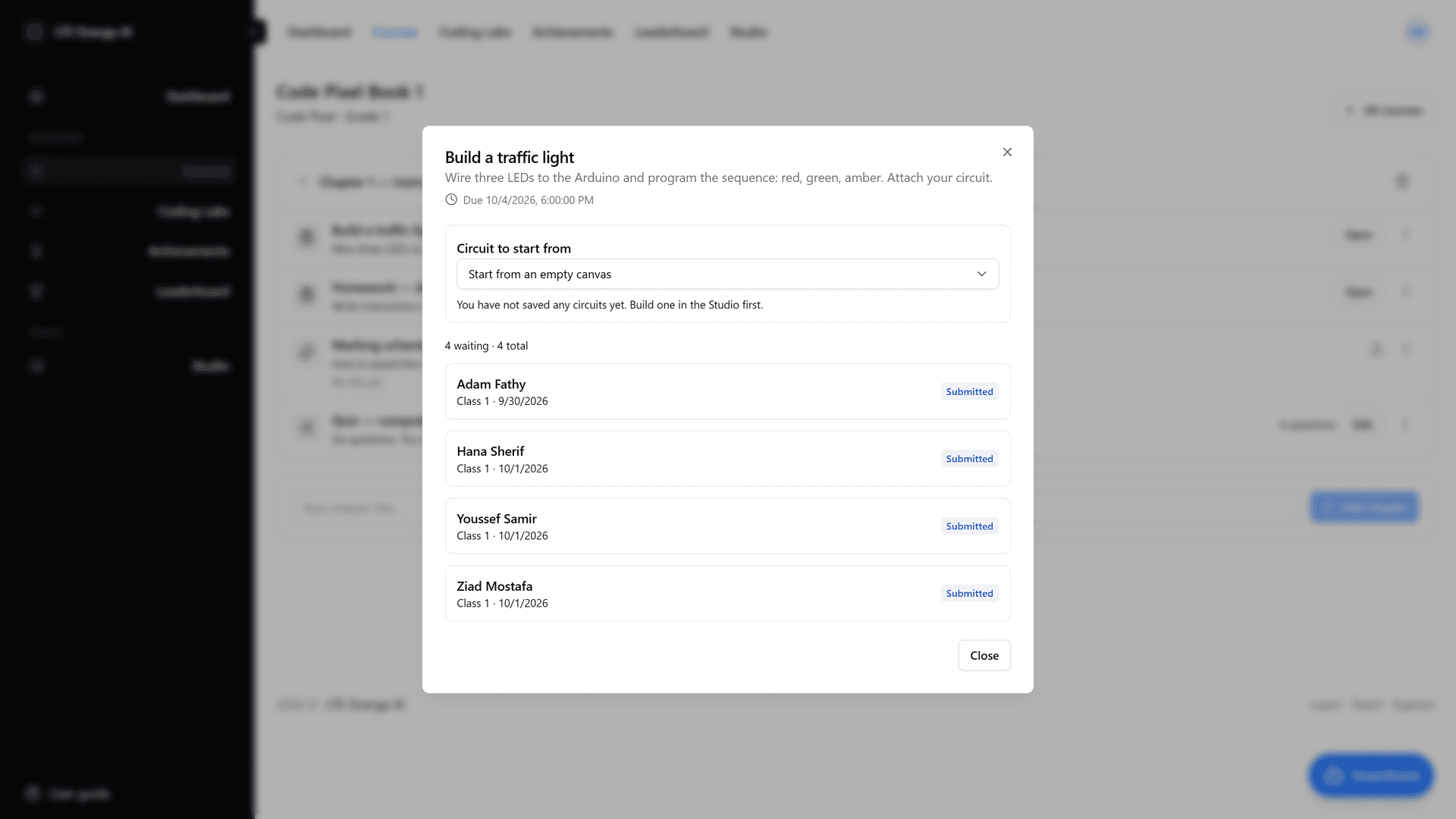
- Assignments with circuits: A hand-in can include text, files and a circuit. The circuit is frozen at hand-in, so the student can keep working on the original and the teacher always marks what was submitted. Teachers can also set a starting circuit for the class.
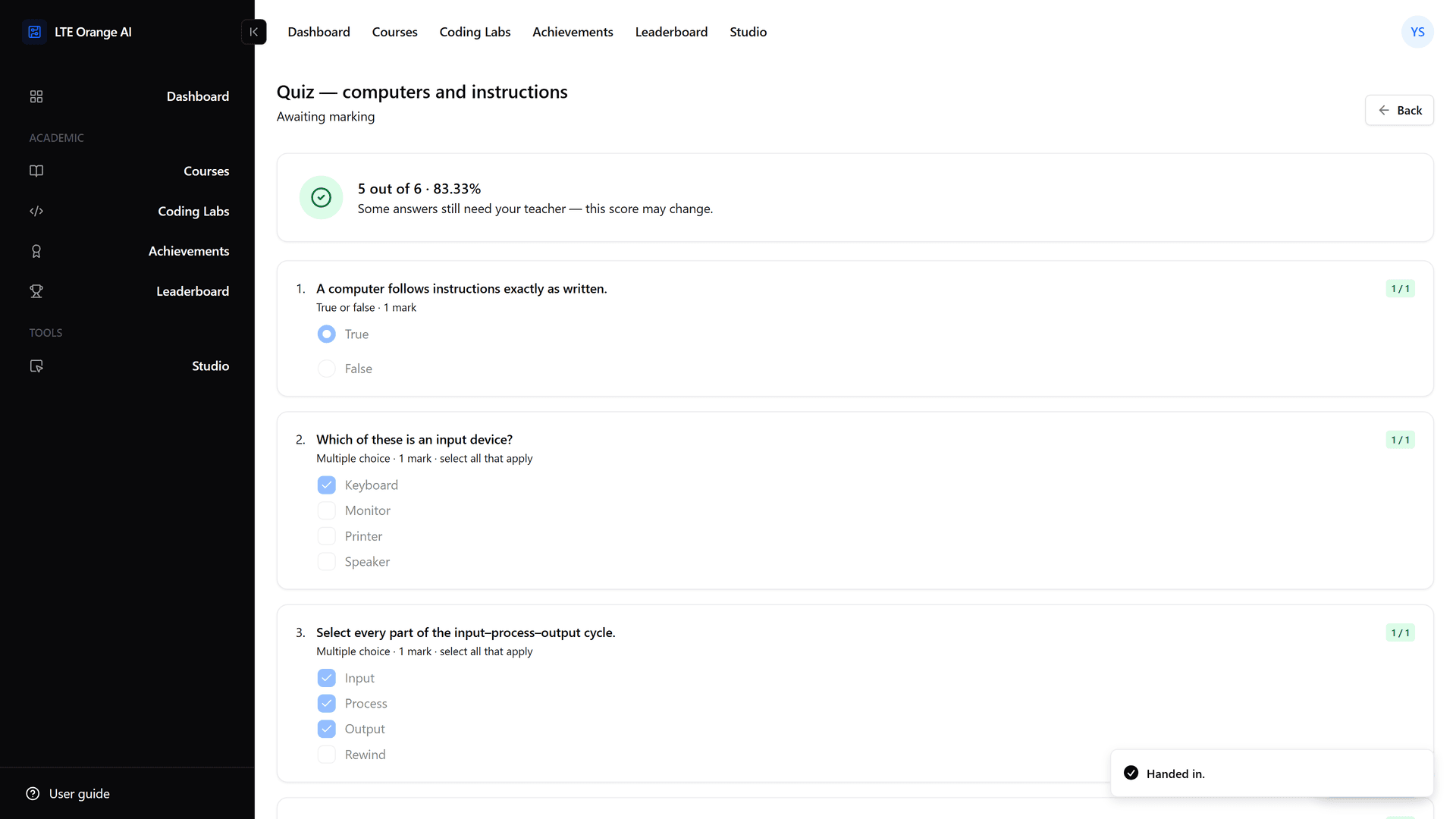
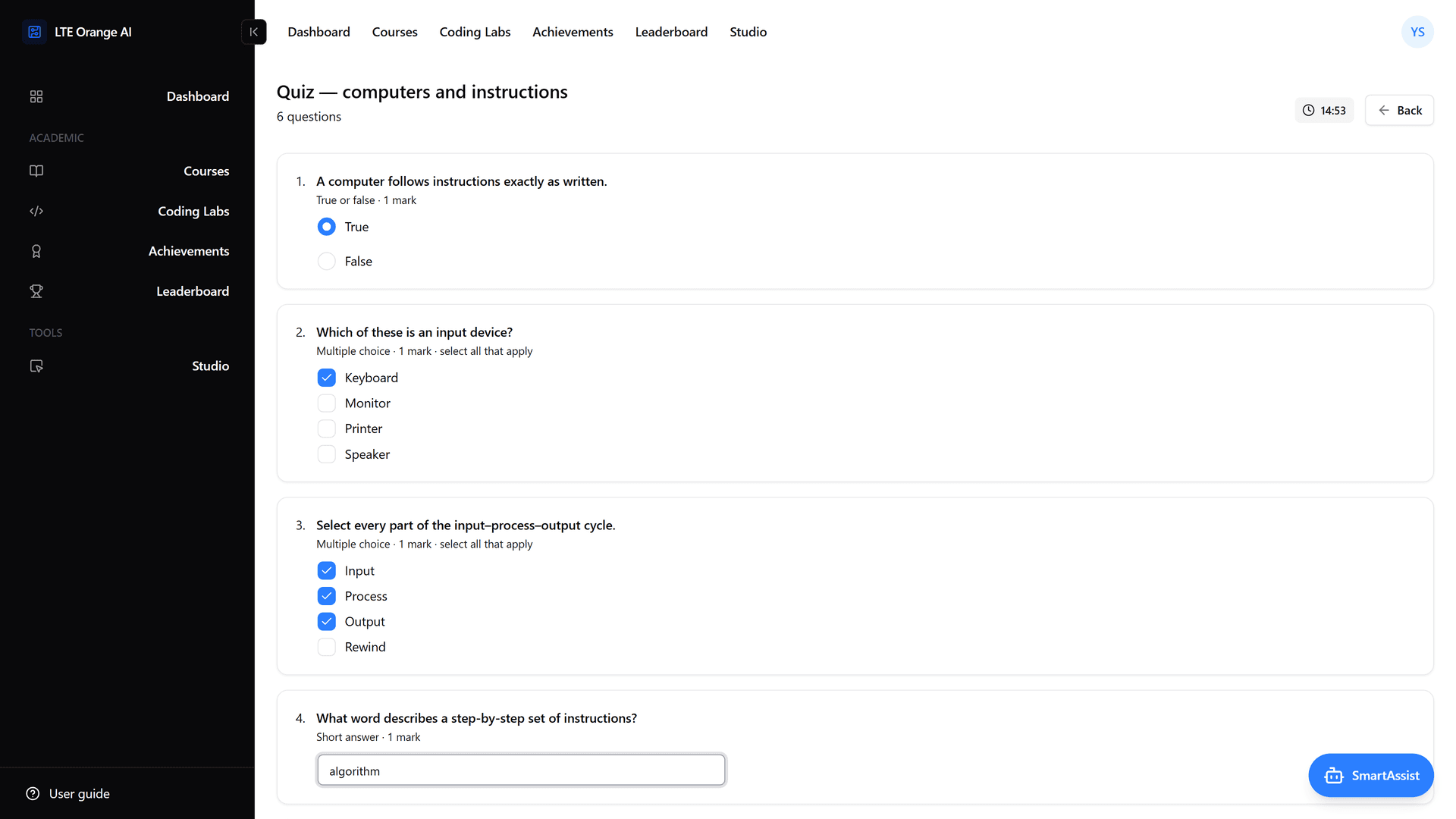
- Self-marking quizzes: Six question types (true/false, multiple choice, short answer, matching, gap select and essay), with time limits, attempt limits and shuffling. Everything except the essay is scored the moment the quiz is handed in, and the essay waits for the teacher.
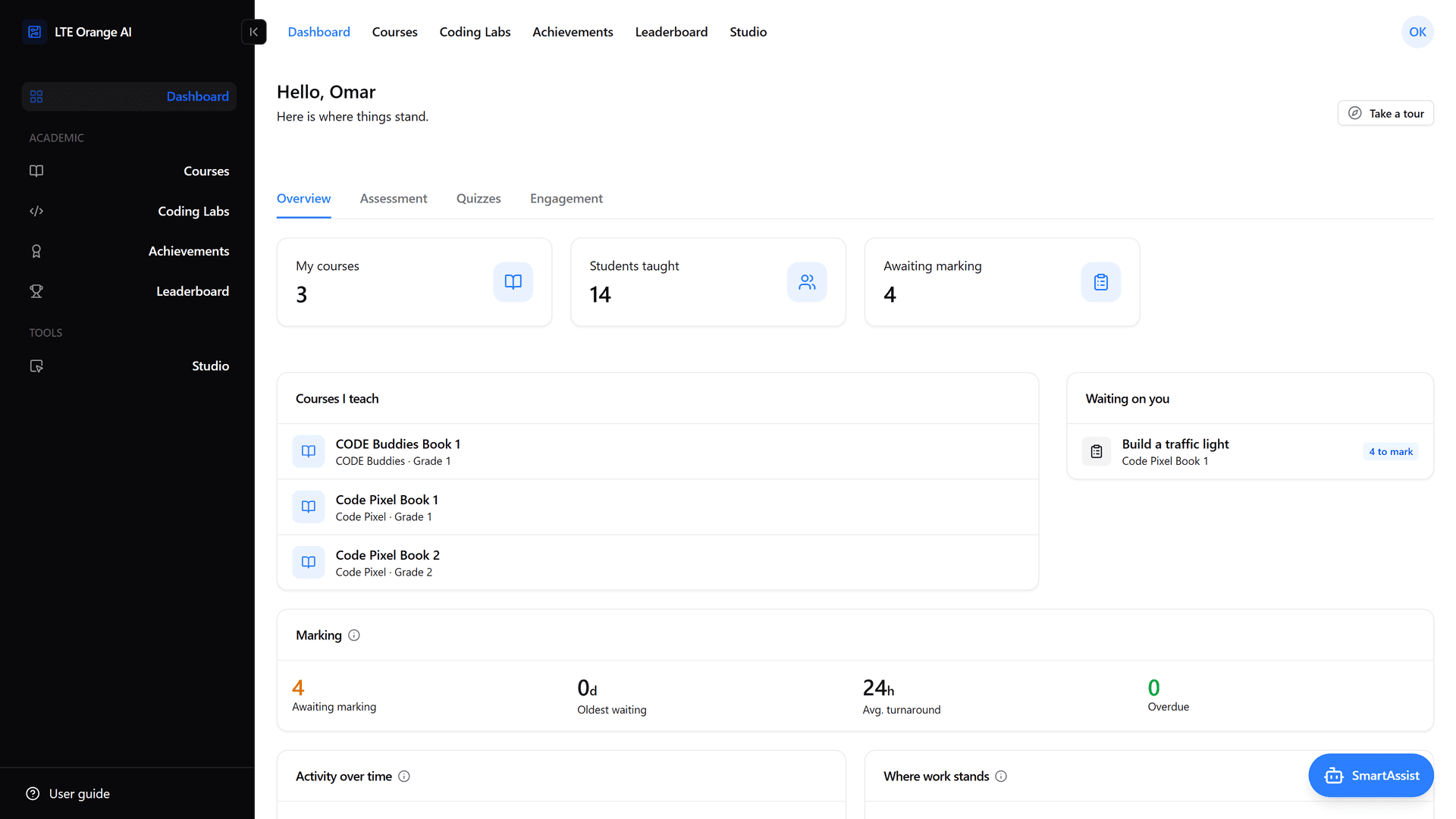
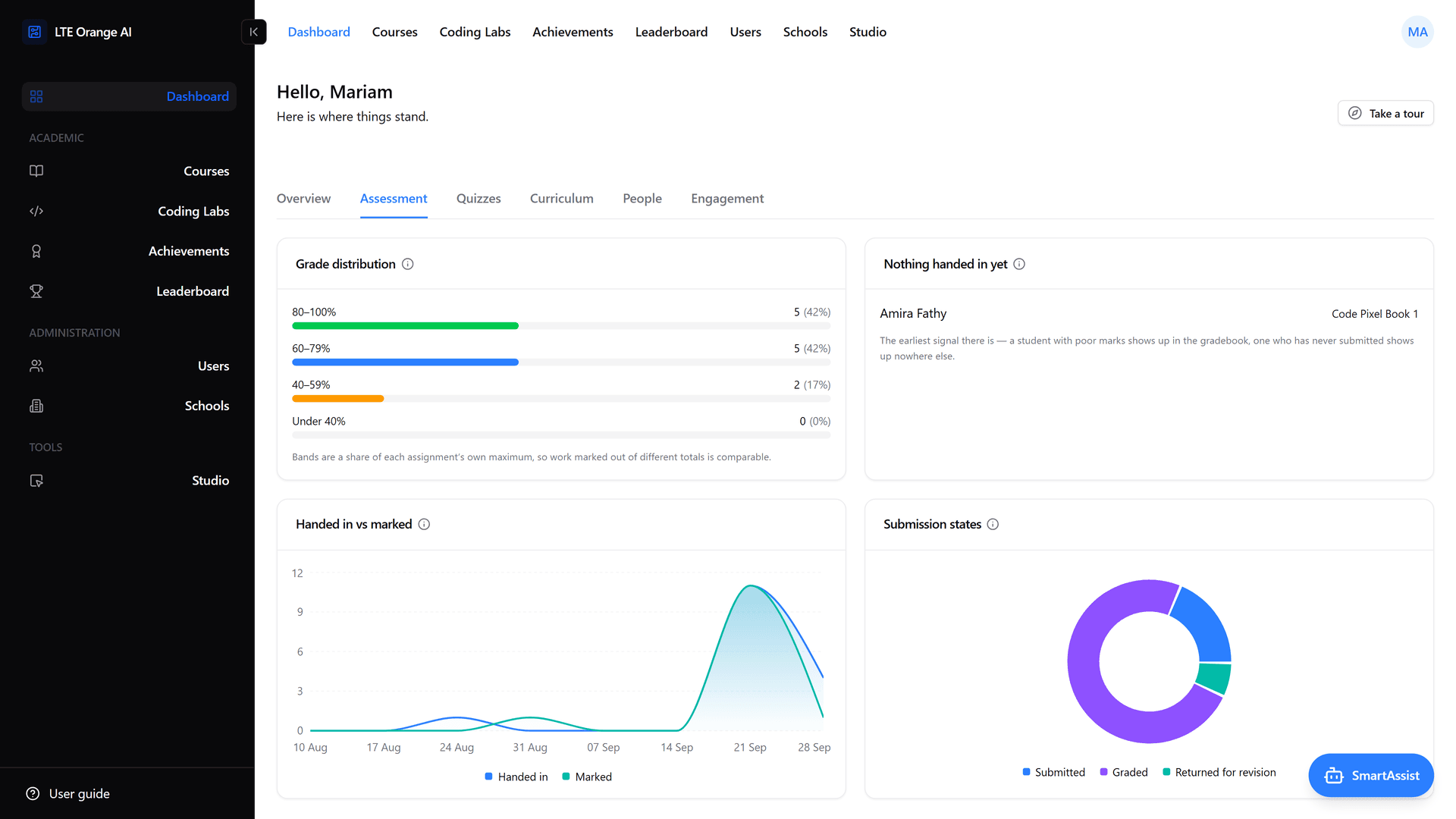
- Marking: A queue of everything waiting across a teacher's classes, a grade out of 100 with written feedback, and "Return for revision".
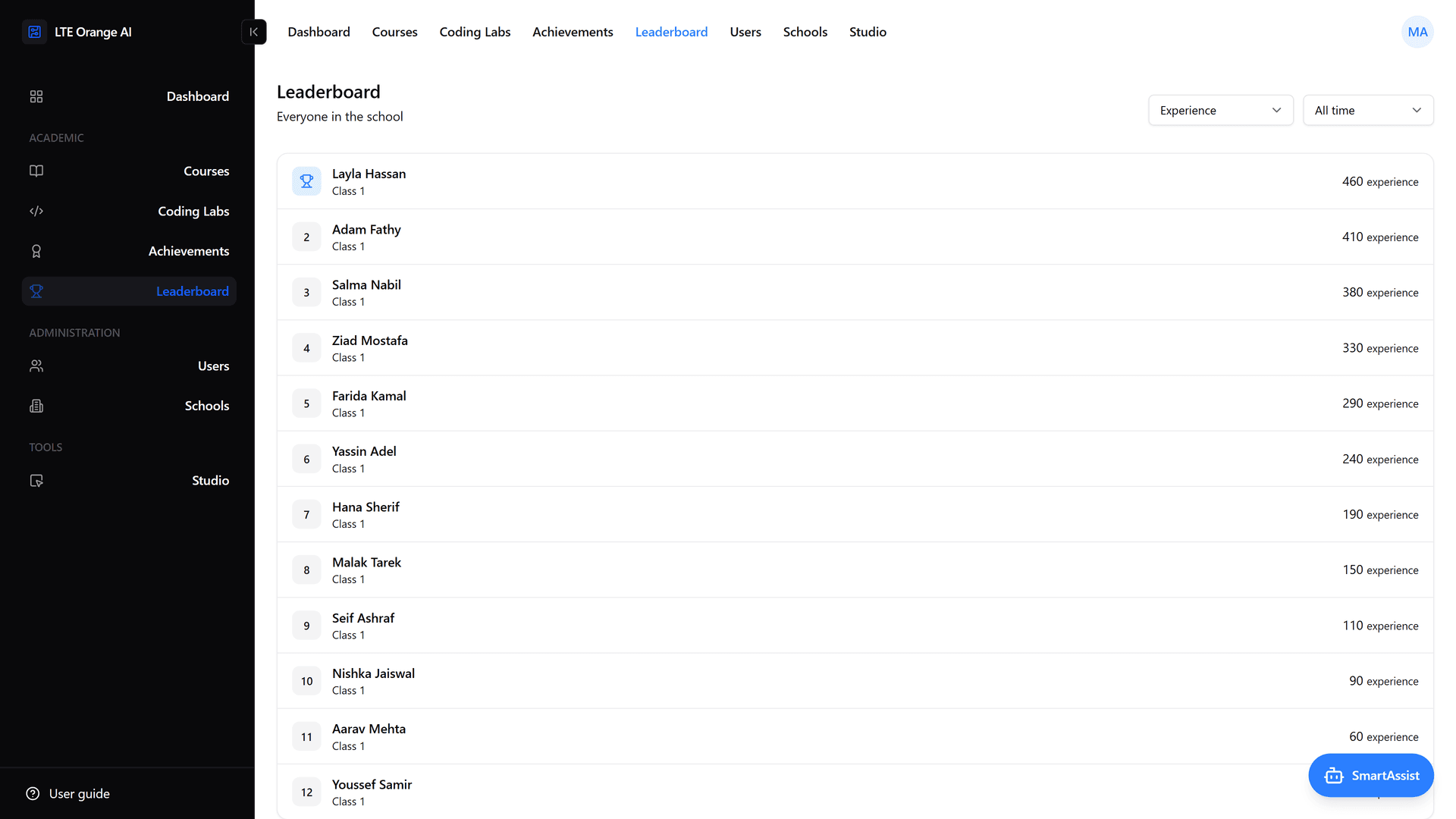
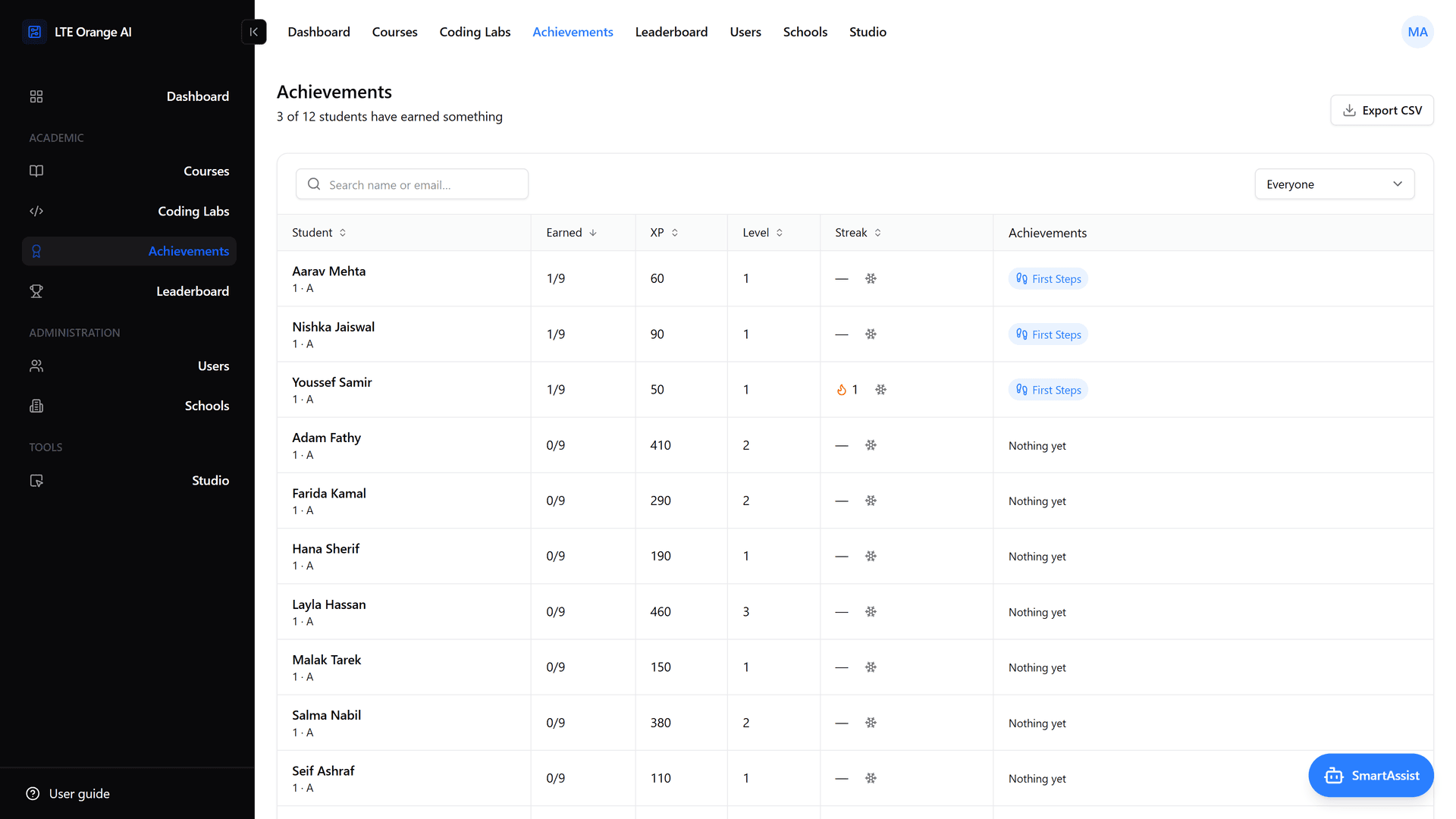
- Achievements and leaderboards: Experience points, levels, tiers and streaks that count school days. Achievements are earned only through the work itself, and the student sees a notification when one is earned. Leaderboards cover a class or a school, by week, month or all time.
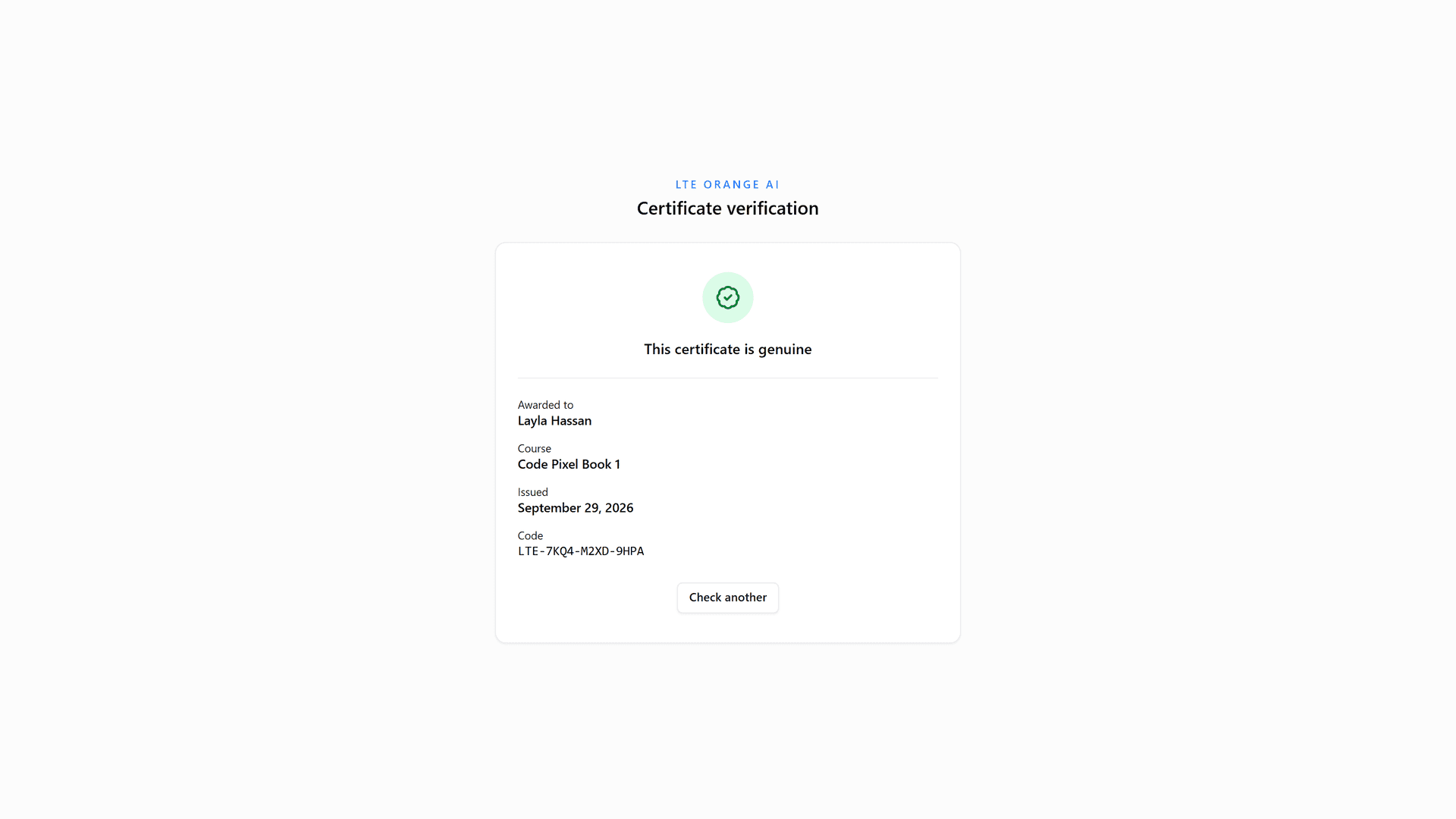
- Certificates: Every course certificate carries a code that anyone can verify on a public page.
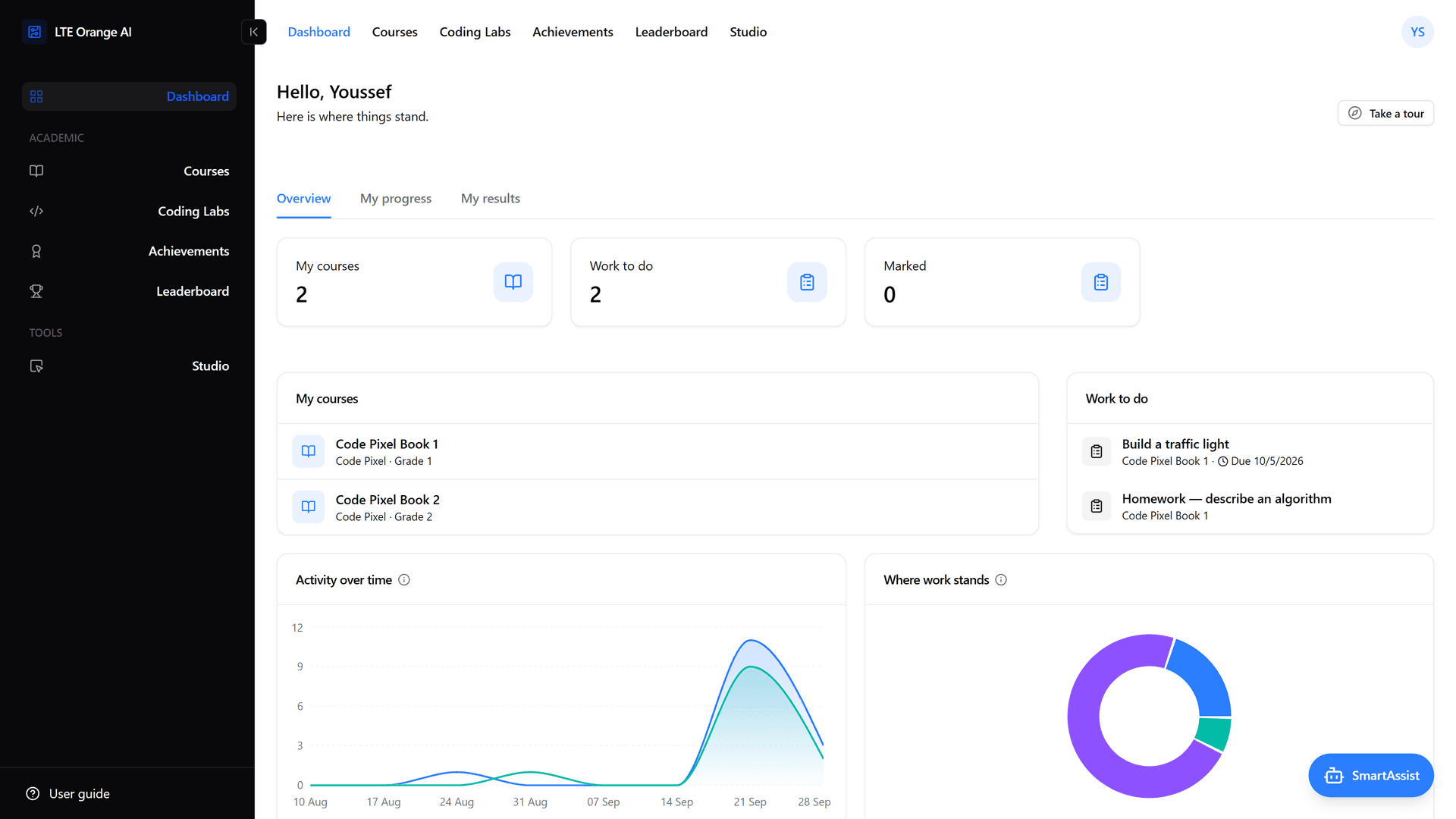
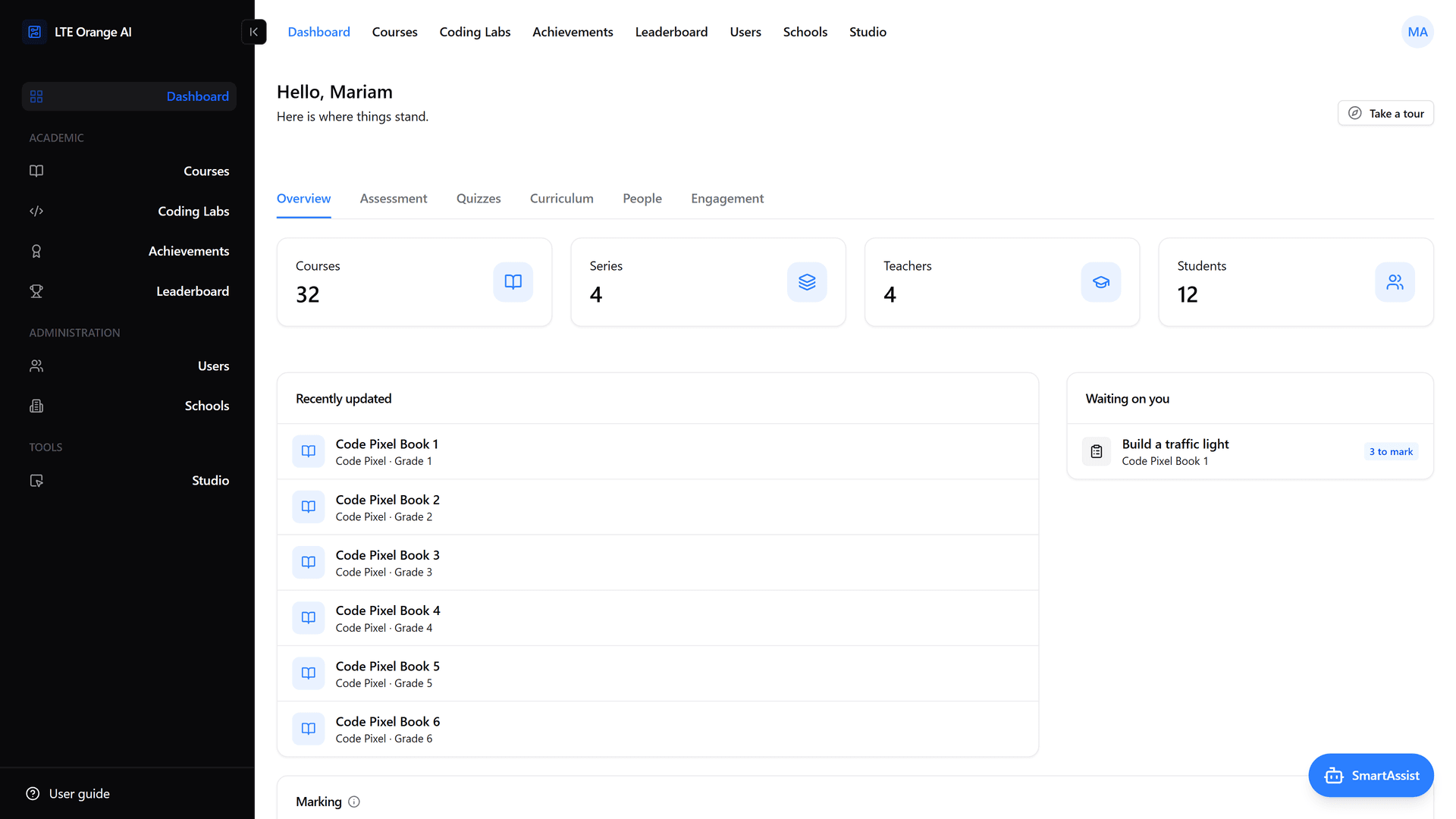
- Roles and schools: School admins, teacher admins, teachers (with or without permission to edit courses) and students, organised by school. Users can be imported in bulk from a spreadsheet. Each role has its own dashboard: students see their progress and results, and staff get tabs for assessment, quizzes and engagement across the classes they can see.
- Built-in user guide: A searchable guide inside the app, linked to the screens it describes.